 Arrumo AI Video Editor
Tutorial: from your website to a finished video
Set up a workspace from your website, start a video from a short brief, review each stage and export it, in about an hour.
This tutorial makes a short explainer video from scratch, the way the videos in these docs were made. You need Arrumo, and Claude Code or Codex installed and signed in. A voice provider such as ElevenLabs adds narration; without one, the video uses on-screen text.
Create a workspace from your website
On first launch, Arrumo asks for a workspace name, the agent to use and where it can learn about you. Add your website and any channel or social profile links. When the workspace opens, Workspace settings › Context shows the links, and the agent drafts About you from them.
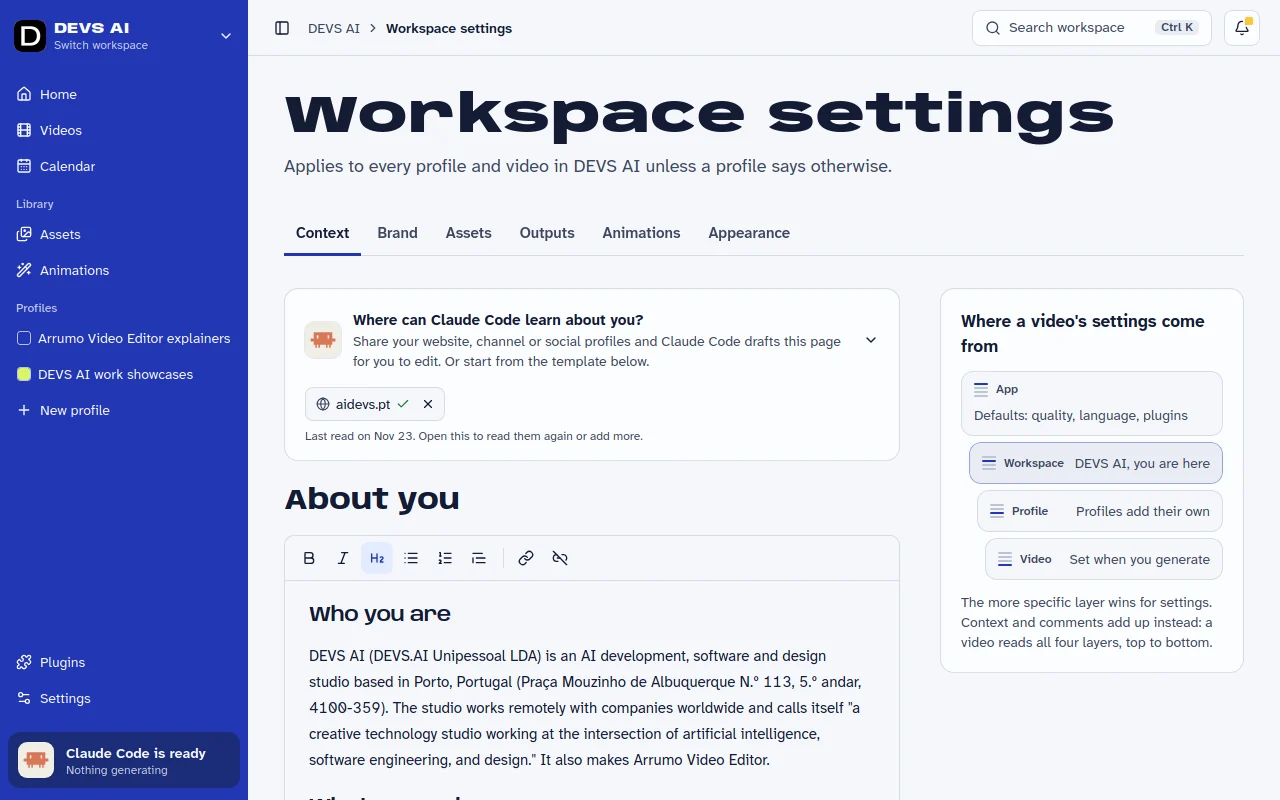
Read the draft and fix anything it guessed. Keep the facts videos need: names, services, the call to action.
Check your brand
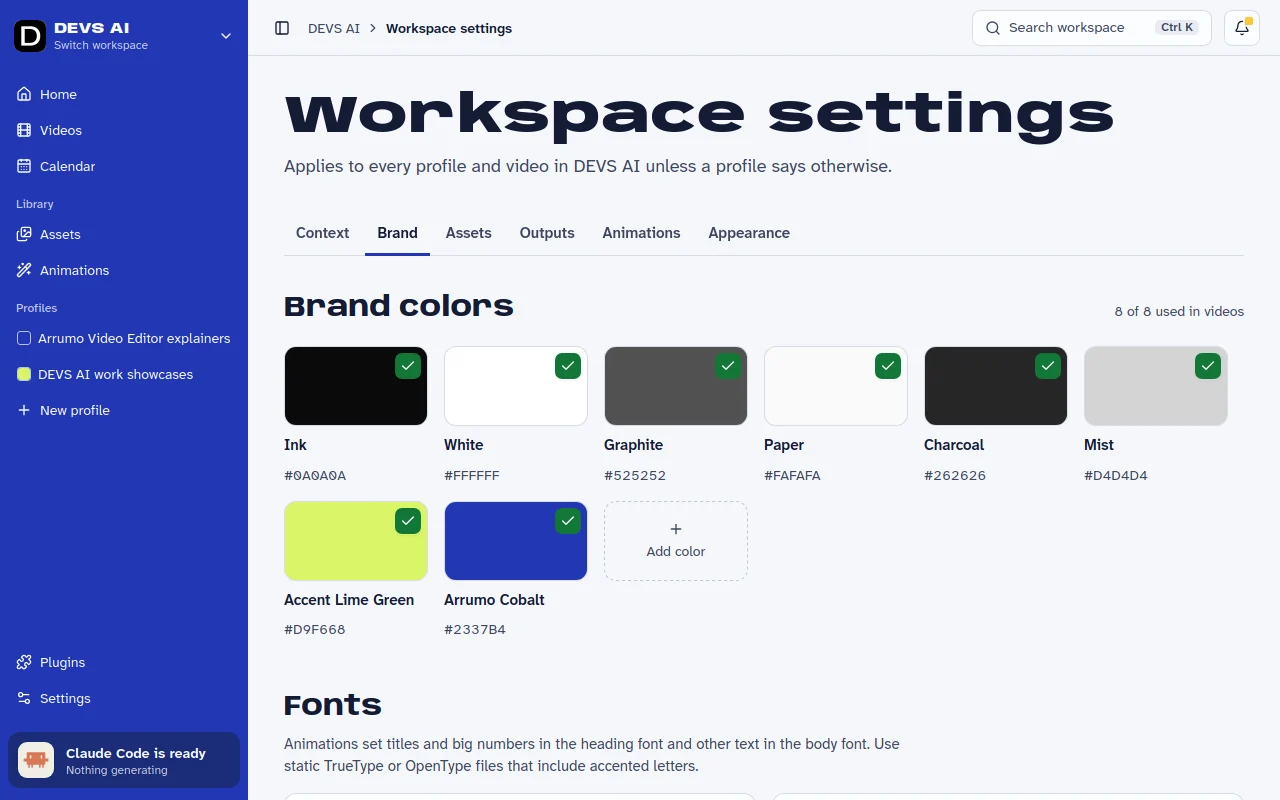
Open Brand. The agent suggested colors from your site: give each a name and tick the ones videos may use. Add your heading and body fonts, Regular and Bold. Under Brand assets, upload your logos and describe each one, such as "white wordmark for dark backgrounds".
Choose the outputs
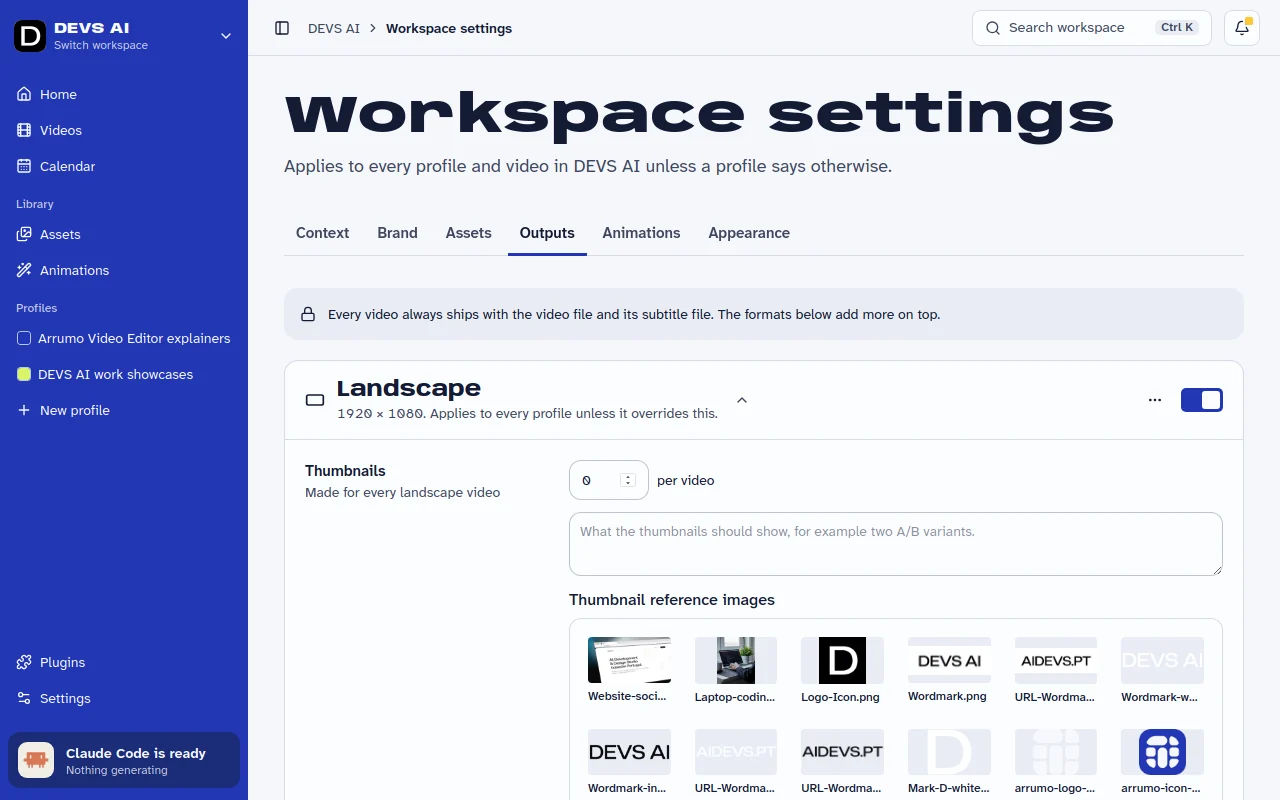
Open Outputs. Turn on the formats you publish, such as Landscape for YouTube, and set how many thumbnails each video gets. Add a few thumbnail reference images so new thumbnails match your style.
Make an opening and a closing animation
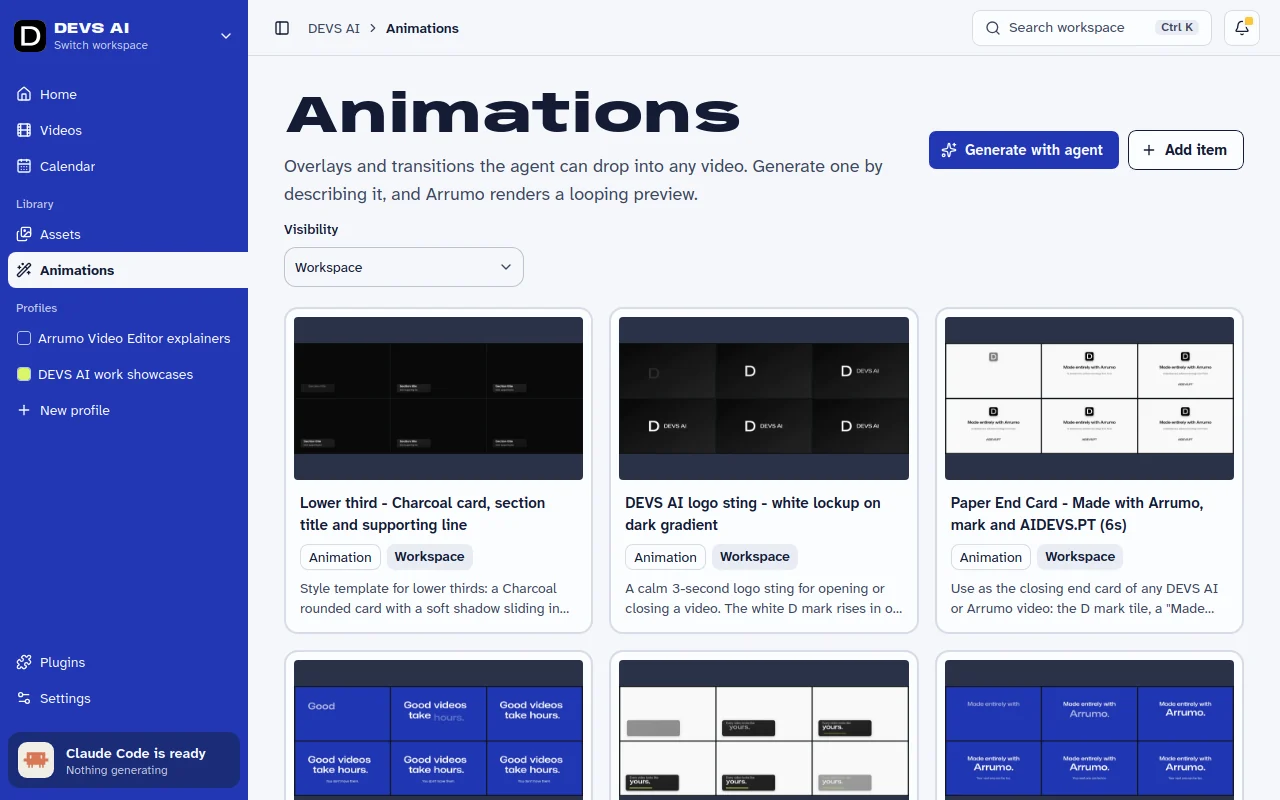
Open Animations and choose Generate with agent. Ask for "a three-second logo sting on our dark brand color" and, after it, "an end card with our website and a call to action". Arrumo renders each one; open it, play the preview and choose Change with agent if something is off. Videos can now reuse them.
Write the brief
Go to Home and choose Start from scratch. Give the video a title, pick a profile and write in a few sentences what it should get across. The panel on the right shows what the agent will make, such as one landscape video, subtitles, titles and tags. Leave Autopilot off to review each stage. Choose Generate this video.

Review the script
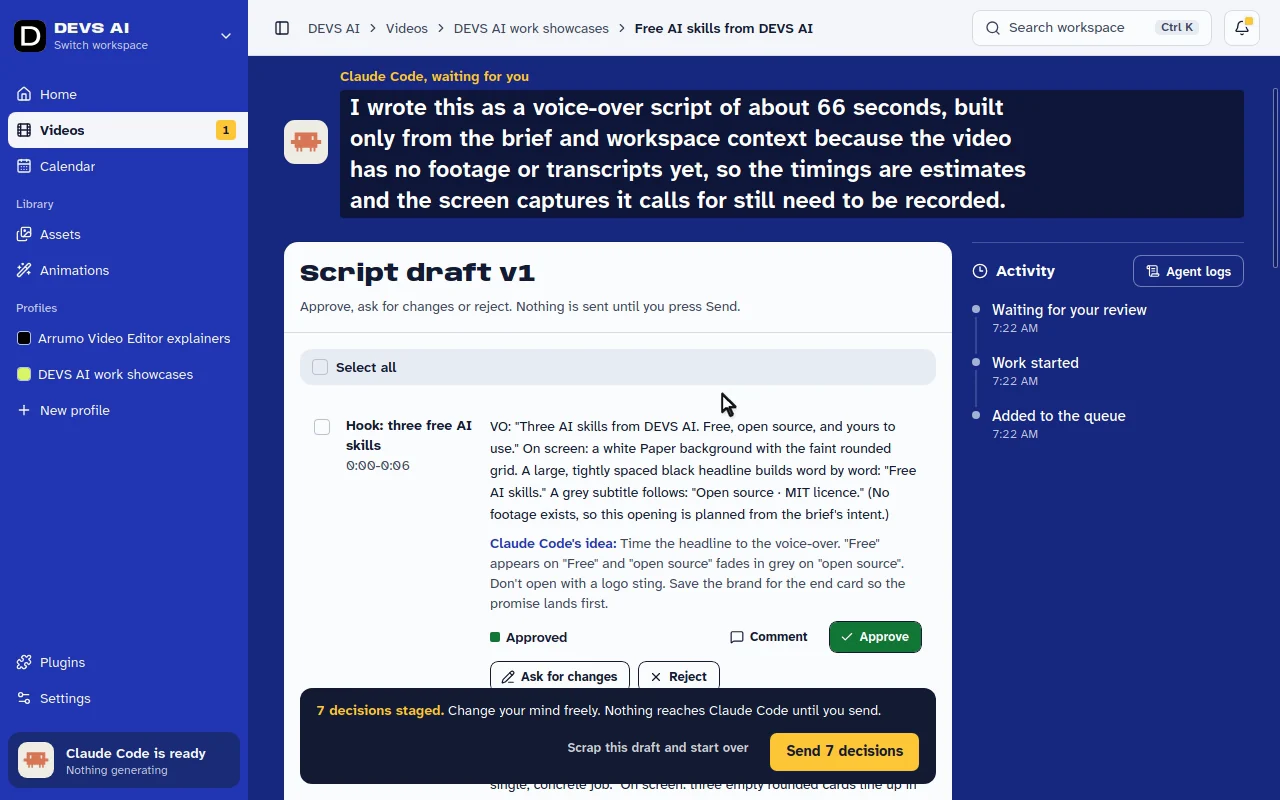
The screen turns cobalt while the agent works; follow its reasoning and the activity on the right. When the script is ready, Arrumo notifies you. Approve each section, or choose Ask for changes and say what to change, then Send your decisions. Nothing moves on until you do.
Review animations and previews
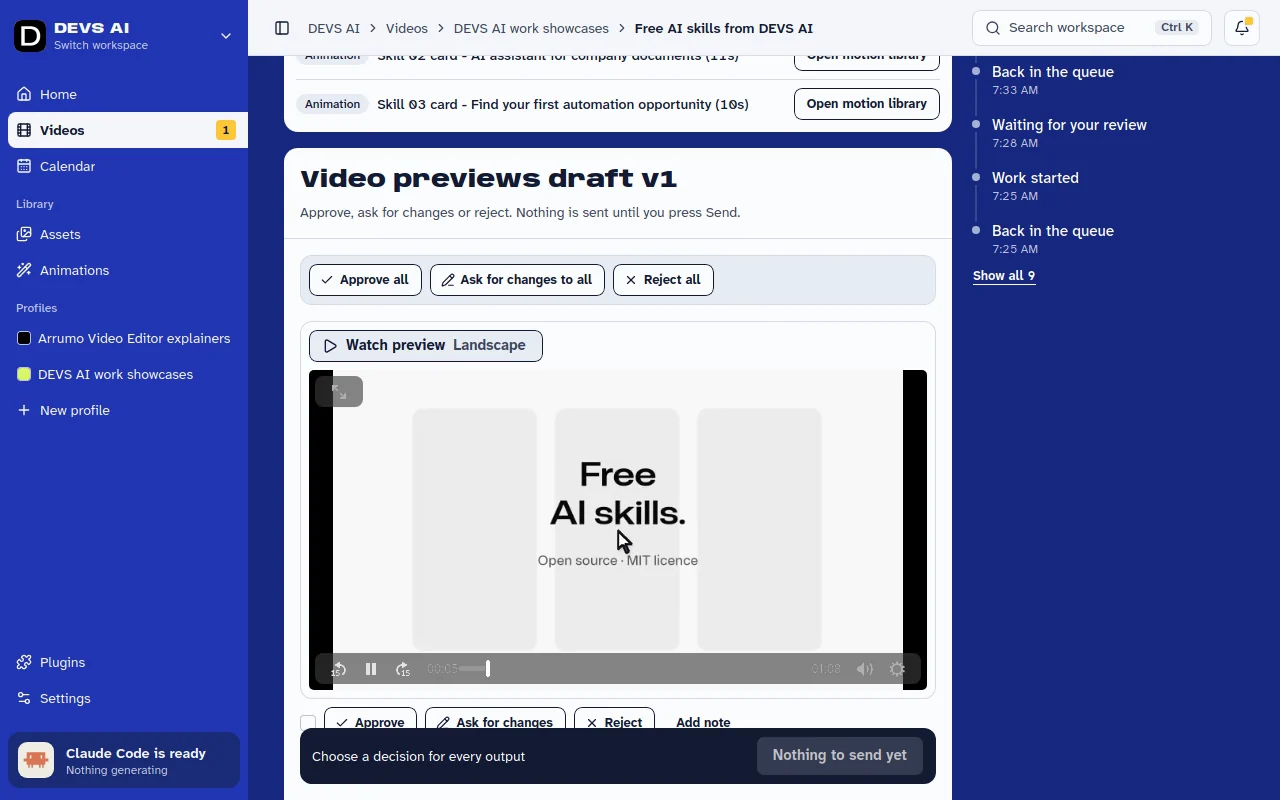
At Assets and animations, check each scene's animation and tick Save to the library when approved on the ones worth keeping. At Video previews, play the cut of each format with its voice and captions, and approve it or ask for changes.
Choose titles, descriptions and tags
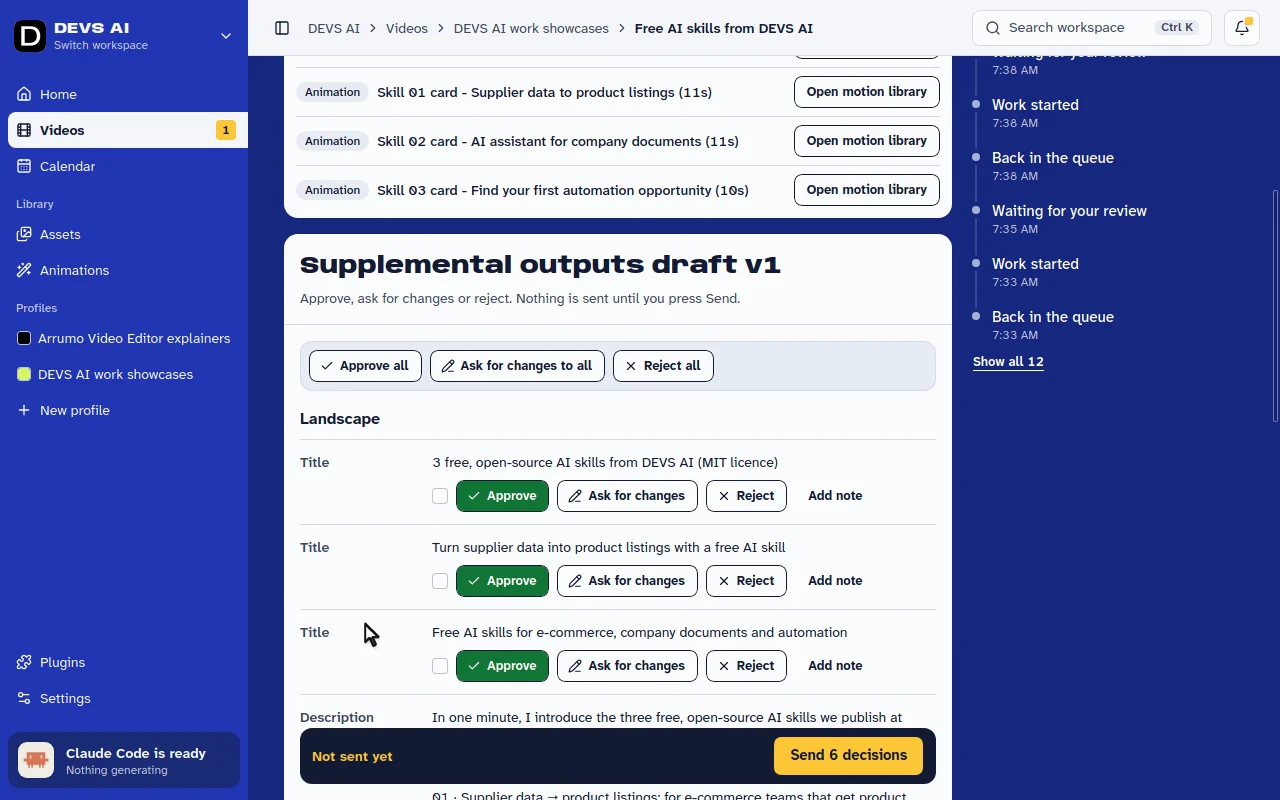
The agent writes several titles, descriptions and tags, and the thumbnails, for each format. Approve the ones to publish and reject the rest.
Final render and delivery
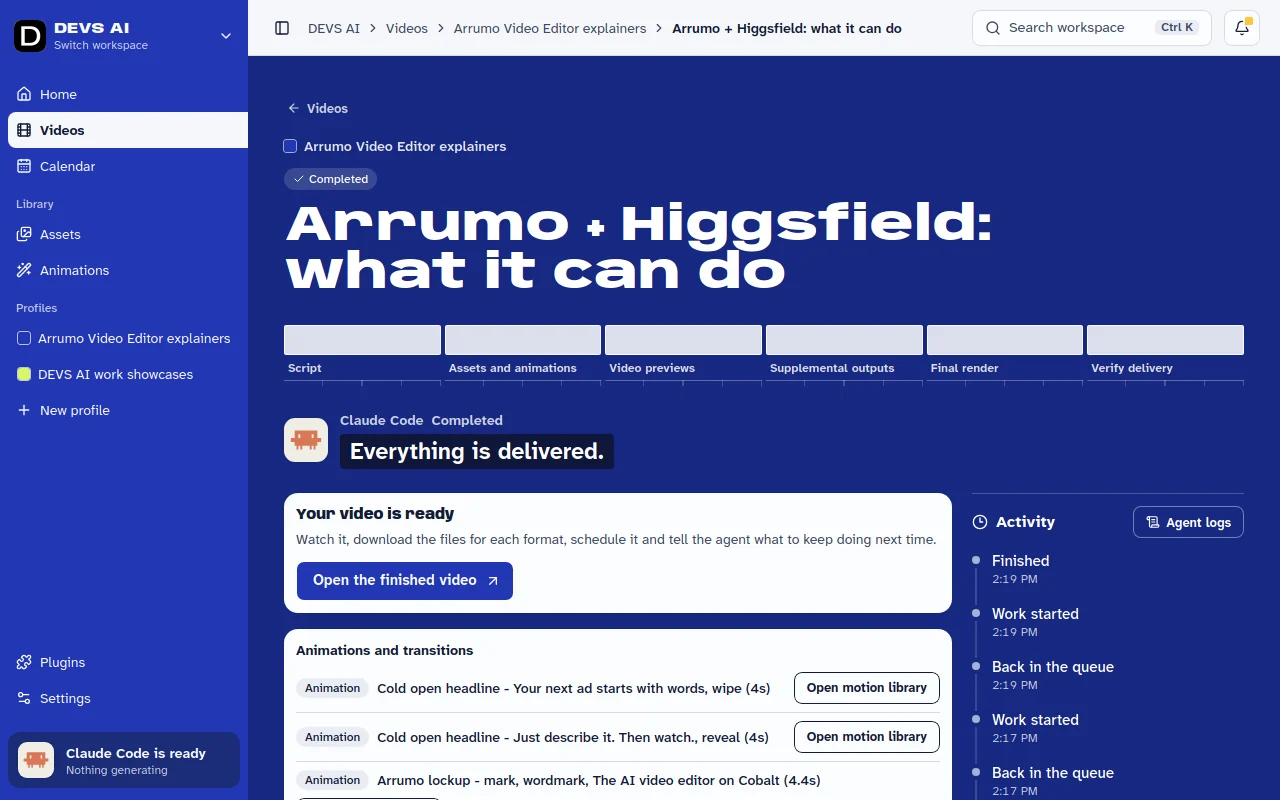
Arrumo renders each format at full quality, writes the subtitles and checks everything against your output rules. When the run says Everything is delivered, open the finished video.
Schedule and export
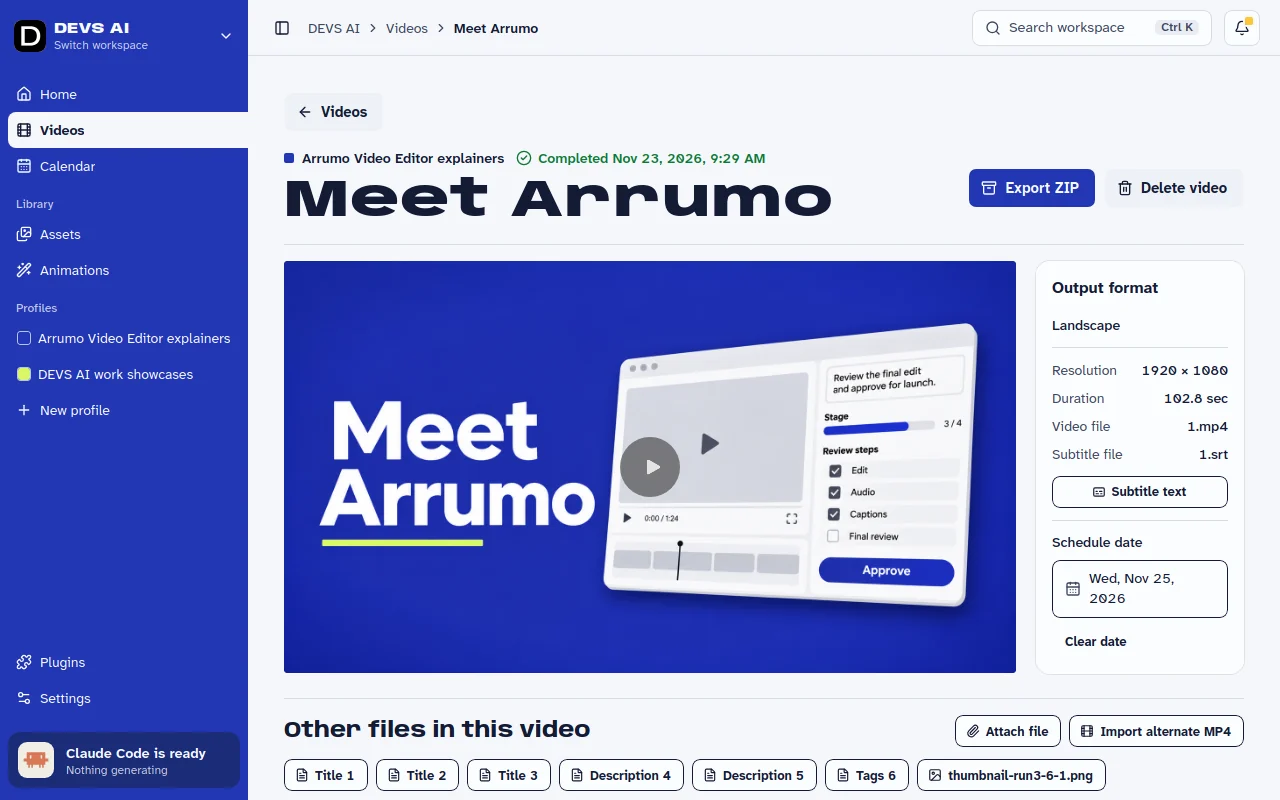
On the finished video, set a Schedule date so it appears on the calendar, and choose Export ZIP to save the video, subtitles, titles, descriptions, tags and thumbnail together for uploading.
Next, read Create and export your first video for every option along the way, or let an agent do all of this for you over MCP.