Arrumo AI Video Editor
Use Arrumo
Everything you need to make videos with Arrumo: install it, set up your brand, make a video, and keep it running.
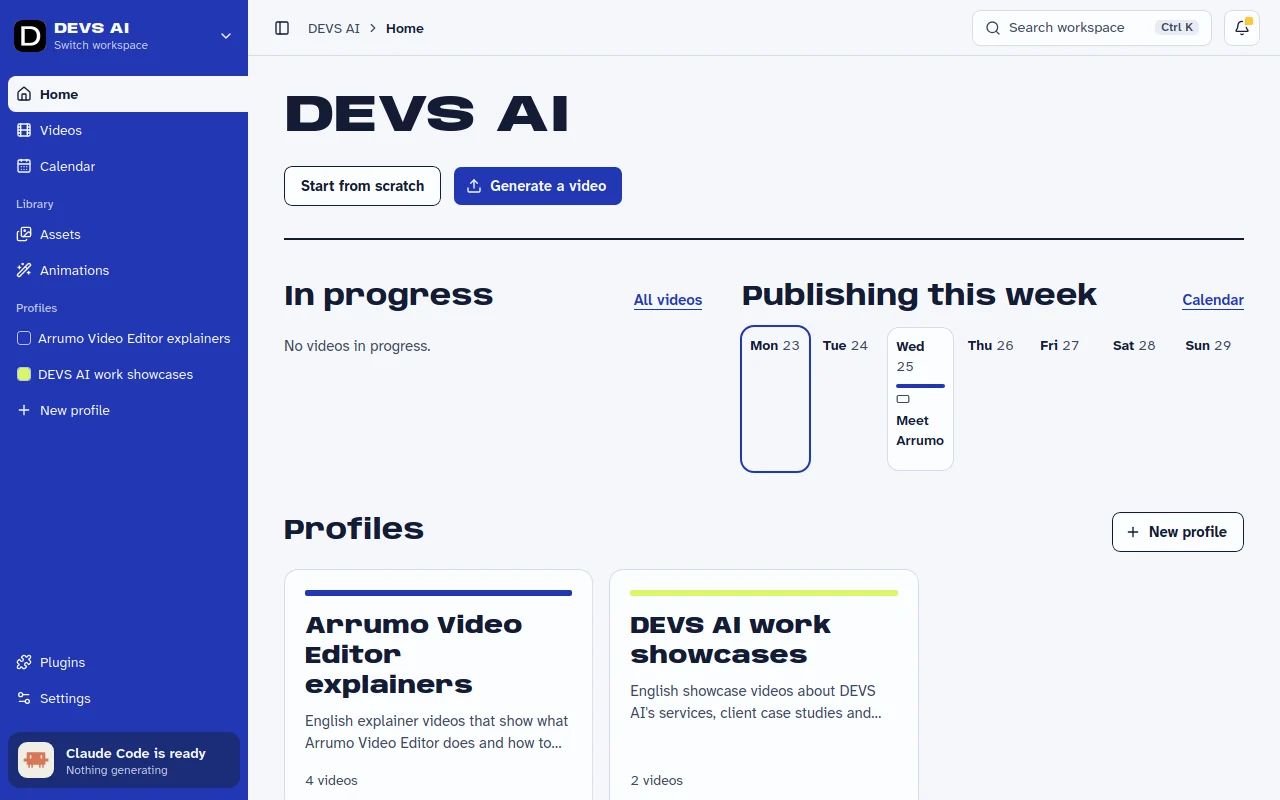
Arrumo is a desktop video editor where an AI agent does the editing and you approve each step. You describe a video, or bring your footage, and the agent writes the script, designs animations in your brand, voices and cuts it, and renders every format you publish. Nothing moves on until you approve it or ask for changes.
Start here
Install Arrumo
Download it for Windows, macOS or Linux and connect your agent.
Tutorial: from your website to a finished video
Your first video, one screen at a time, in about an hour.
Tutorial: bring your social media channel
Set up a workspace from your YouTube, TikTok, Instagram or other channel.
Guides
Set up your brand
Context, colors, fonts, logos, profiles and outputs that every video follows.
Build an animation library
Title cards, lower thirds and end cards to reuse in any video.
Create and export your first video
Drafts, reviews, subtitles, the calendar and the export.
Generate media and edit sound
Images, clips, music, sound effects and voices, and tools to change, clean up or dub audio.
Settings, updates and privacy
What the agent may do, keeping Arrumo up to date, and what it sends.
Troubleshooting
Answers when something doesn't work as expected.
How Arrumo is organized
- A workspace is one brand or channel: its context, colors, fonts, logos, assets, animations and outputs. Make one per brand you publish for.
- A profile is a kind of video inside a workspace, such as weekly explainers or client showcases, with its own guidance and outputs.
- A video starts as a draft: a brief, your footage or both. When you generate it, the agent works through stages (script, assets and animations, previews, titles and thumbnails, final render) and waits for your review at each one.
- Plugins add the agent and the services that make media: transcription, voices, music, images and video clips. See Official plugins.
Settings follow the same layers: the app's defaults, then the workspace, then the profile, then the video. The more specific layer wins for settings, while context and comments from every layer add up.